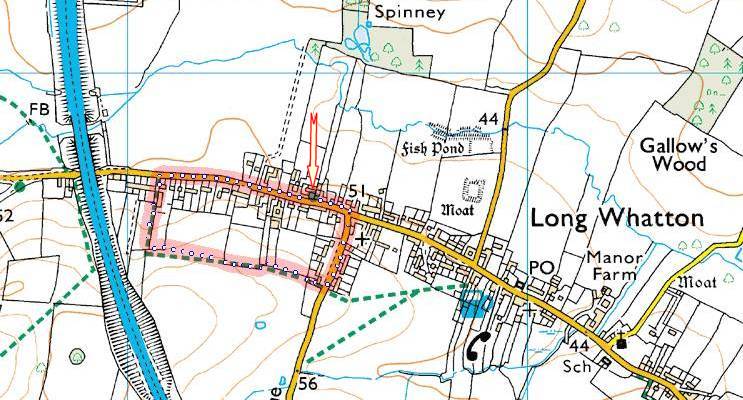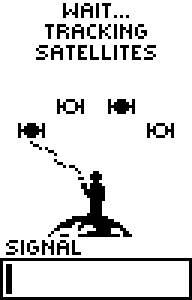
Wait for lock-on |
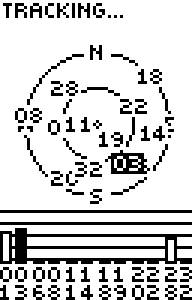
(Alternative screen) |
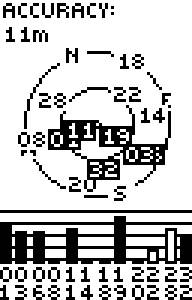
Locked-on at
11m accuracy |
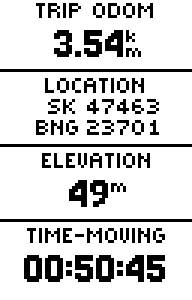
Next+next menu
(Old data) |
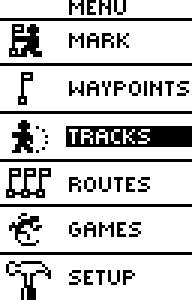
Next menu
We want "TRACKS" |
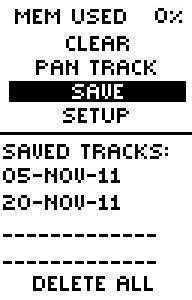
We want
05-NOV-11 |

Choose track
05-NOV-11
in this case |
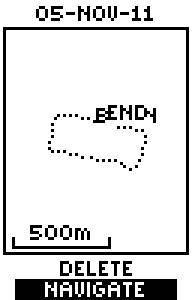
Choose
NAVIGATE
Begin/End |
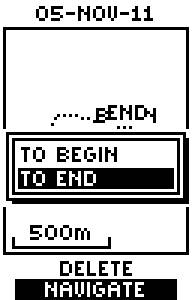
Choose
TO END |
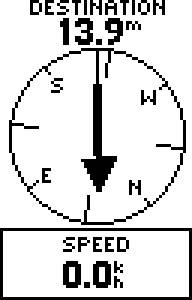
Should have
walked further
from the start! |
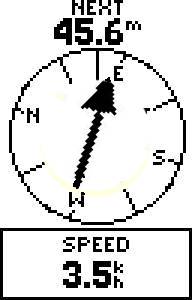
Try again.
Steer right
45.6m to go |

Steer right
23.7m to go |
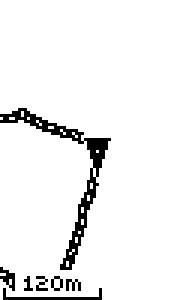
Crossed junction
diagonally.
In side-road |
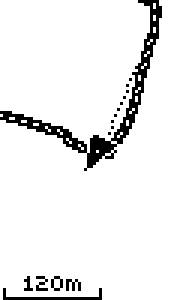
Crossed
side-road.
Other pavement |
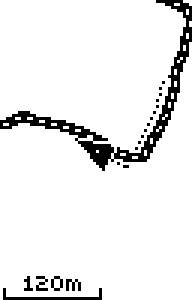
Turned
into
footpath |
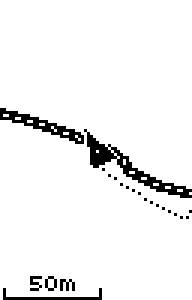
Slight kink in footpath |
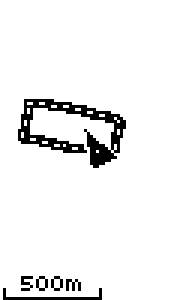
Stopped.
Zoom-out.
(To let you see whole route) |
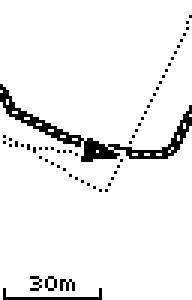
Zoom-in
again.
Turning back.
Going home. |
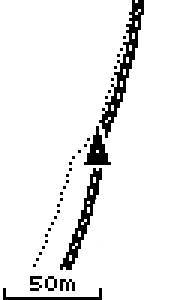
Crossing
side-road |
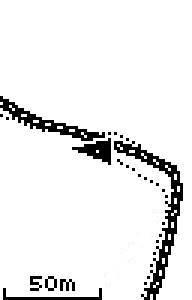
Turning left
on original
road |
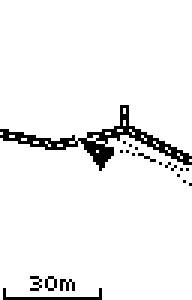
Home now.
Paused at
gate-post |
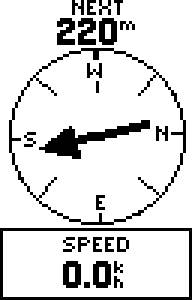
GPS saying
"should be
220m to left"
Why? |
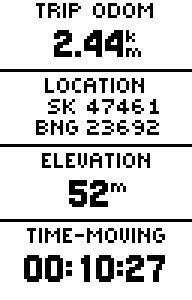
Who forgot
to zero
the odometer? |
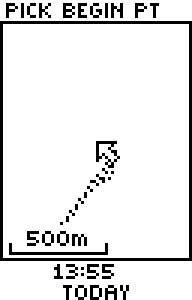
Part-way
though
saving track |

|
Just saved
20-NOV-11
track |
|
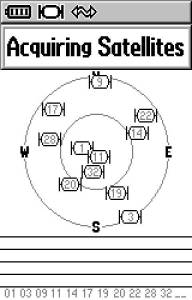
Maybe not
good news |
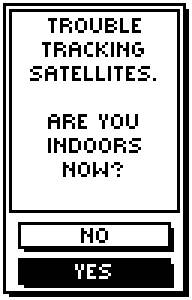
Definitely
bad news |

A brilliant
start screen!
Has got my GPS back
on one occasion |